Marketing
A QR code that opens your form on a seller's phone, ready to print on a counter sign, a flyer or a truck.
Marketing is where you get what you need to send sellers to your form from somewhere other than your website: the counter, a flyer, the side of a truck.
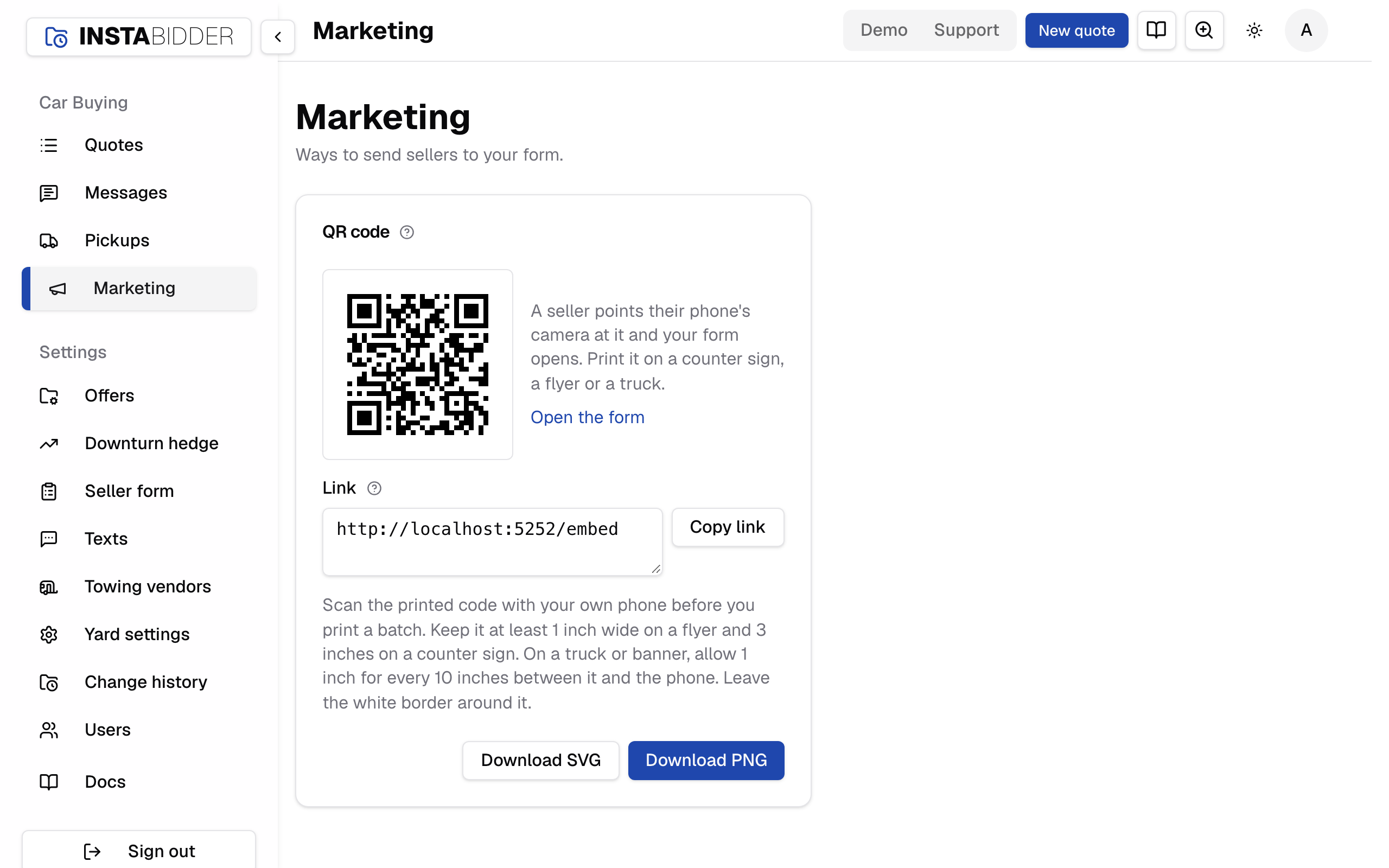
Everyone who signs in can open Marketing, Staff included. It's in the sidebar under Car Buying. There's nothing to save here.
QR code
A code a seller scans with their phone's camera to open your form. Download it and print it on a counter sign, a flyer or a truck.
The code opens your form itself, on your InstaBidder site, at its first question. The seller doesn't sign in or install anything, and the quote they start shows up on Quotes like any other.
The code never changes, so what you print keeps working. Changes to your questions, their order or the form's look show on the form without a new code.
Two downloads:
- Download PNG is a picture about 2,000 pixels wide. Use it in a document, a flyer you lay out yourself, or anything printed up to about 6 inches wide.
- Download SVG stays sharp at any size. Send it to a print shop or a sign maker for a banner, a yard sign or a truck.
Open the form opens it in a new tab, as a seller would see it.
Printing it
- Scan the printed code with your own phone before you print a batch.
- Keep it at least 1 inch wide on a flyer or a card, and 3 inches on a counter sign.
- On a truck or a banner, allow 1 inch of width for every 10 inches between the code and the phone: a code read from 10 feet away is 12 inches wide.
- Leave the white border around the code, and print it dark on white. A code with its border cropped, or printed light on dark, often won't scan.
- Put a few words beside it that say what it's for, such as "Scan to get a cash offer for your car".
Link
The address the QR code opens: your form on your InstaBidder site. Copy it to share the form where a code can't go, like a text or a social post.
Copy link copies it; the button reads "Copied" for a moment. Anyone who opens the link gets your form, the same as a seller who scans the code.
To put the form on a page of your own website, use the line on Where it appears instead.
When there's no code
If the card says "Your InstaBidder site isn't fully set up yet, so there's no link to share", your site's address hasn't been set. Contact InstaBidder support.